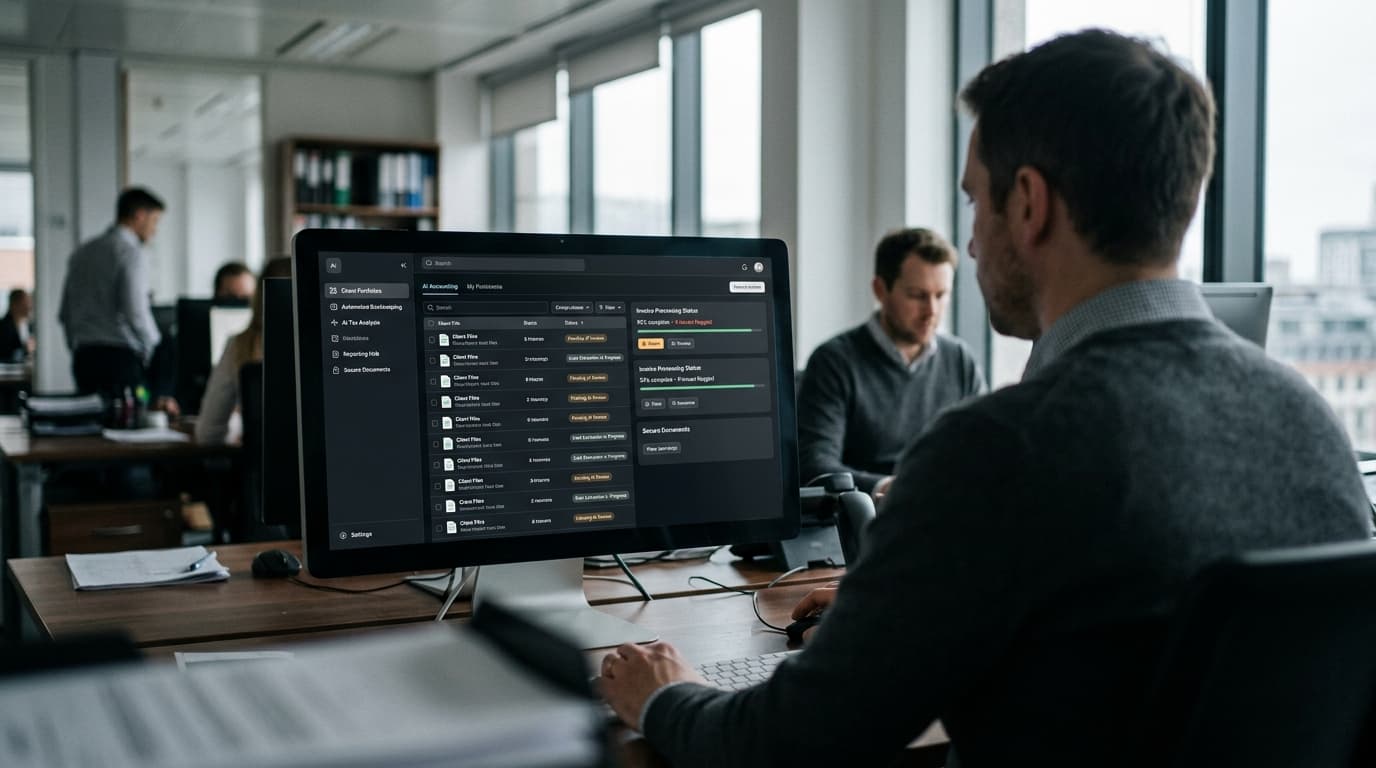
Free AI tools for accountants mostly come as free tiers, trials, or bundled features, not full free production software. ChatGPT, Claude, and Perplexity offer usable free tiers for drafting and research. QuickBooks Online, Xero, and Zoho Books include AI categorization at no extra cost if you already pay for the subscription. Wave, Zoho Books Free, and Puzzle Starter offer free-tier AI bookkeeping tools, but each caps users, transactions, or credits.
TL;DR
- General AI assistants (ChatGPT, Claude, Perplexity) have genuinely free tiers good for drafting and research — not for pasting in client tax IDs.
- Accounting software you already pay for — QuickBooks Online, Xero, Zoho Books — bundles AI categorization at no extra cost, so check before buying a separate tool.
- Standalone free AI bookkeeping tools like Wave, Zoho Books Free, and Puzzle Starter cap users, invoices, or AI credits, so they work for very small books, not growing firms.
What Free AI Tools for Accountants Actually Work in 2026?
The free AI tools accountants can genuinely use in 2026 fall into three buckets: general AI assistants with free tiers, AI features already bundled into software you pay for, and standalone free-tier bookkeeping tools that cap usage once you outgrow the free plan. None of these give you unlimited free production software for a real client base — they give you a way to test AI before paying for it.
That distinction matters because most firms waste time hunting for a mythical “free forever, unlimited” AI tool that does not exist for accounting work at scale. A better approach is deciding which one or two tasks to automate first, then matching the free tier to that task. If you have not mapped which tasks are worth automating first, this breakdown of accounting tasks to automate first is a faster starting point than testing tools at random.
Which General AI Assistants Have Genuinely Free Tiers?
ChatGPT, Claude, and Perplexity all offer free tiers usable for drafting client emails, summarizing IRS guidance, and doing quick research, according to a 2026 practitioner guide on AI tools for accountants. None of the three publish a hard weekly message cap on their free plans, but all three throttle you during heavy use and push you toward a paid plan once you rely on them daily.
For a solo practitioner, the free tier is often enough to draft a client update letter, outline a response to an IRS notice, or summarize a long tax code change into three bullets. For a firm with staff, the free tier gets shaky fast — multiple people sharing one free account run into rate limits during busy season, which is when you actually need the tool most. If drafting engagement paperwork is your main use case, pairing a free AI tier with engagement letter automation saves more time than the chat tool alone.
Claude Pro runs $20/month per user if you outgrow the free tier, and that single upgrade is usually cheaper than the hours lost to rate limits during January through April.
Do QuickBooks Online, Xero, and Zoho Books Include Free AI Features?
Yes — if you already subscribe to QuickBooks Online, Xero, or Zoho Books, their built-in AI categorization and reconciliation suggestions come at no extra cost, according to the same 2026 guide from smartworkflowlab.com. This is the most overlooked “free AI tool” category, because firms buy a separate AI categorization add-on without checking whether their existing subscription already includes one.
Before adding another line item to your software stack, check the settings menu of whatever ledger tool you already run. If you are deciding between QuickBooks Online and Xero for a new client or your own firm, this side-by-side comparison of QuickBooks Online vs Xero covers how their built-in AI categorization actually compares in practice, not just on the sales page.
What Free Bookkeeping Tools Include AI — and Where Are the Caps?
Several bookkeeping tools offer a genuinely free tier with some AI attached, but every one of them caps you on users, transaction volume, or AI credits once your book of business grows past a very small size. Here is how the main ones compare, based on a 2026 roundup from erpclaw.ai and Fathom's own AI accounting tools page.
| Tool | Free tier | Cap | Best for |
|---|---|---|---|
| Wave Starter | Free forever | Manual entry only — automation and receipt OCR are paid add-ons | Very small clients doing manual bookkeeping |
| Zoho Books Free | Free under $50K/year revenue | 1 user, 1,000 invoices/year, 50 receipt autoscans/month | Solo bookkeepers with a handful of small clients |
| Puzzle Starter | Free until $20K transaction volume | 1 user, 25 AI credits lifetime | Testing AI-assisted bookkeeping on one small client |
| Odoo One App Free | Free forever | Limited to one app; document digitization billed via credits | Firms that only need one Odoo module, not full AI |
| GnuCash | Free forever, no cap | No AI features at all | Manual bookkeeping with no automation needs |
| Fathom | 14-day free trial | No credit card required, but not free long-term | Testing AI-driven reporting before committing |
The pattern across every row: free tiers work for one small client or a short test, not for a firm running month-end close across a real client roster. If you are trying to figure out which of these fits your firm's actual size and software stack, this guide to the best AI tools for accountants goes deeper into paid tiers worth the upgrade once you hit these caps.
Are There Free AI Courses Worth Your Time as an Accountant?
Yes — a few free, non-technical AI courses are worth an afternoon before you roll out any paid tool to staff. DeepLearning.AI's AI for Everyone is free and built for non-technical business users, and Google's Make AI Work for You training, along with the AI Professional Certificate that eligible U.S. small businesses can access at no cost, is listed as free in Rightworks' 2026 roundup of accounting AI tools.
These courses will not teach you your firm's specific workflow, but they give staff enough vocabulary to ask better questions before you buy anything. A one-hour course is a better use of a slow afternoon than another vendor demo call.
What's the Catch With Free AI Tools for Accounting Firms?
The catch is almost always a cap — on users, transactions, documents, or AI credits — combined with real questions about where your client data goes once you paste it into a free chat tool. Puzzle Starter's 25 lifetime AI credits and Zoho Books Free's 50 monthly receipt autoscans are typical: fine for testing, gone within your first busy month with a real client.
The bigger risk is data handling. A free AI chat tool is not built for Social Security numbers, EINs, or bank account details, and pasting client tax documents into a general chat window creates a data-handling question you cannot easily undo. If you are not sure which of your current manual tasks are safe to hand to a free AI tool versus which ones need a proper, audited workflow, running through a firm operations audit first will save you from picking the wrong tool for the wrong task.
How AI Helps You Get More From These Free Tools
Once you know which free tier fits which task, an AI assistant can do more than sit in a browser tab waiting for a question. It can draft the client-facing emails and document requests your firm sends every week, using the free tier of Claude or ChatGPT, cutting the time spent writing the same reminder from scratch each time. It can also flag exceptions in the categorization QuickBooks Online or Xero already suggests, so a bookkeeper reviews only the transactions AI is unsure about instead of every line.
For document-heavy work, an AI assistant can pull data out of client-uploaded receipts or statements and check it against what is already in the ledger, catching a mismatched total before it becomes a rework loop at month-end close. And for firms testing several of the free tools above at once, AI can help track which client fits which tool's cap — Zoho Books Free for the smallest clients, a paid tier for the ones that outgrew it — instead of guessing.
The part most firms get stuck on is knowing which of these wins actually apply to their own client mix, software stack, and staff size, and that is exactly what a free CloseRadar operations audit is built to answer with specific tools and hours back, not a generic list.