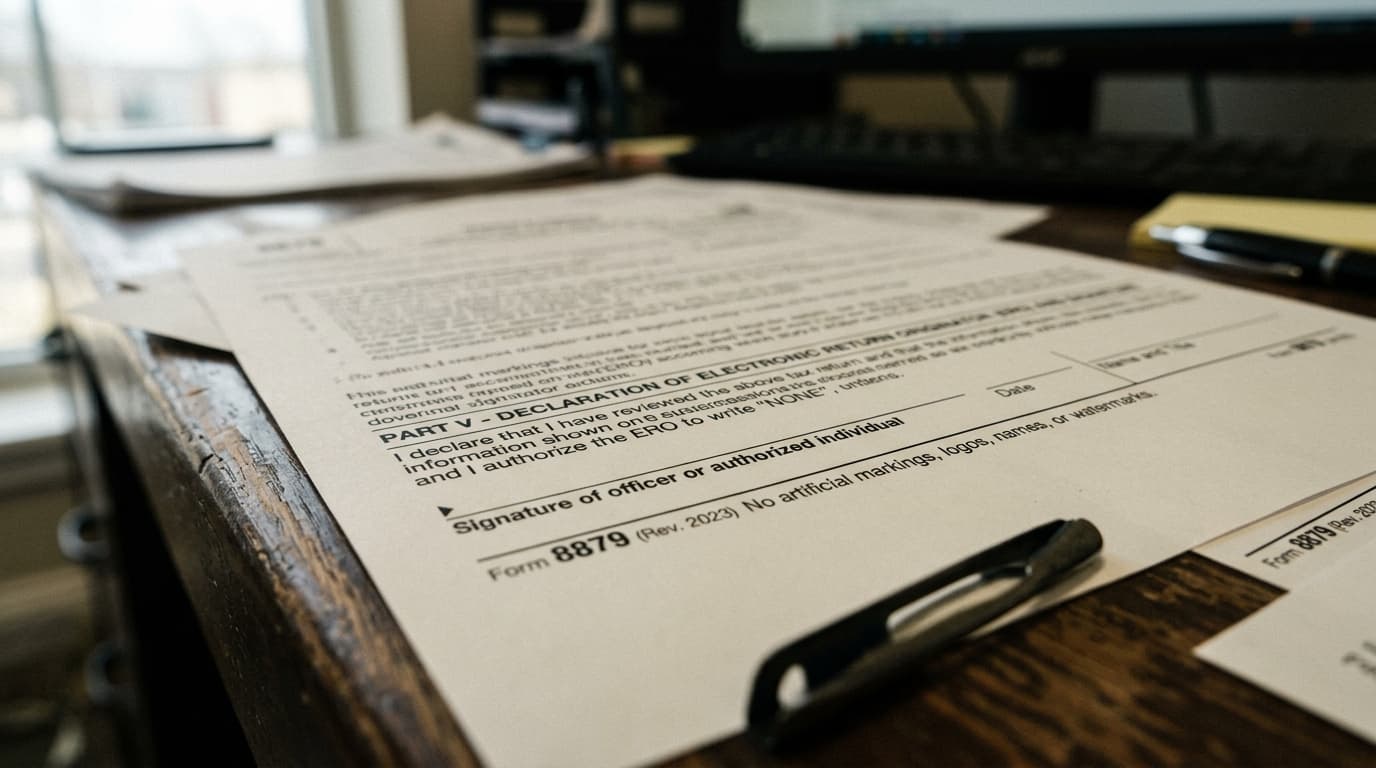
The best e-signature software for accountants in 2026 depends on what you're signing. For IRS Form 8879 and other tax authorizations, you need knowledge-based authentication (KBA) that satisfies IRS Publication 1345, and only a handful of mainstream tools build that in. For engagement letters and consents, KBA isn't required at all, so the signing feature already inside your practice management software often covers it for free.
TL;DR
- Only a few e-signature tools carry the knowledge-based authentication (KBA) that IRS Publication 1345 requires for remote signing of Form 8879 — DocuSign and Adobe Acrobat Sign lead that list.
- Engagement letters, consents, and other non-tax documents don't need KBA, so most firms end up running two signing setups, not one.
- Dedicated e-signature tools run roughly $10 to $45 per user per month; TaxDome and Canopy both include basic signing in plans you likely already pay for.
What is the best e-signature software for accountants?
The best e-signature software for accountants in 2026 isn't one single tool. For IRS Form 8879 and other tax authorizations, you need a tool with KBA that satisfies IRS Publication 1345, and only a short list of tools build that in properly. For engagement letters, representation letters, and consents, KBA isn't required, so the signing feature already sitting inside your practice management platform usually handles it.
Firms that pick one tool for everything tend to land in one of two bad spots: paying for compliance features they don't need on most of what they sign, or missing the identity check on the one document type where it actually matters. The fix isn't more research into every e-signature vendor on the market. It's splitting the decision in two — what legally needs KBA, and what doesn't — before you compare a single price tag.
What does IRS Publication 1345 require for e-signing Form 8879?
IRS Publication 1345 requires that a taxpayer signing Form 8879 remotely first complete knowledge-based authentication — a short set of identity questions, drawn from public and credit-header records, that only the real signer should be able to answer correctly. Without that check, a remotely collected 8879 doesn't meet the IRS's e-file signature authorization standard, which puts the filing itself at risk if the return is ever examined.
In-person signing works differently. If a client signs Form 8879 in your office and you've verified their identity visually, KBA isn't required — the rule exists specifically to replace that in-person check when the client isn't standing in front of you. That distinction is exactly where firms get caught out: a tool can let a client click and sign perfectly well without ever running the identity check the IRS actually requires for a remote signature.
The stakes are higher than they used to be simply because of volume. More than 90% of individual income tax returns are now filed electronically each year, according to IRS e-file statistics, and the 8879 behind each one is exactly the document KBA is meant to protect.
Which KBA signature software is compliant for Form 8879?
DocuSign and Adobe Acrobat Sign are the two widely used e-signature tools with a built-in identity-verification option that satisfies IRS Publication 1345 for remote Form 8879 signing. Most signing features built into practice management portals, including TaxDome, Canopy, and Karbon, aren't designed to run that identity check, so pairing a dedicated KBA tool with your portal is common, not a sign of a bad setup.
| Tool | KBA for Form 8879 | Best fit | Starting price |
|---|---|---|---|
| DocuSign | Yes, via an identity-verification add-on | Firms wanting the category standard and full compliance | ~$10-45/user/month |
| Adobe Acrobat Sign | Yes, identity-verification module | Firms already running Microsoft 365 or Adobe | ~$20-30/user/month |
| Dropbox Sign | Limited (SMS/email only, no full KBA) | Solo practices signing mostly engagement letters | ~$15-25/user/month |
| PandaDoc | No native KBA | Firms bundling proposals with signatures | Free tier; paid plans ~$19-40/user/month |
| TaxDome (built-in signing) | No native KBA; pair with a KBA tool for 8879s | Firms standardizing everything in one portal | Included in existing TaxDome plan |
| Canopy (built-in signing) | No native KBA; pair with a KBA tool for 8879s | Firms already running Canopy for practice management | Included in Canopy's client engagement plan |
Read the KBA column before the price column. A firm that's only using the signing feature inside TaxDome, Canopy, or Karbon for Form 8879s likely has a real compliance gap, even though the signing itself works fine day to day. The click-to-sign mechanic isn't the problem — the missing identity check underneath it is.
Do engagement letters and consents need KBA too?
No. Engagement letters, representation letters, and most client consents fall under the federal ESIGN Act rather than IRS Publication 1345, so they don't require knowledge-based authentication. A basic audit trail showing who signed, when, and from what device is enough to make them enforceable if a client ever disputes what they agreed to.
That distinction matters for cost, because engagement letters and consents make up most of a typical firm's signing volume, not tax authorizations. If you're already comparing practice management software, the signing feature built into that platform is usually enough for that entire category of document, and buying a separate KBA-compliant tool just for the 8879 window during tax season is often the cheaper, simpler split.
How much does e-signature software cost for a small accounting firm?
Dedicated e-signature tools with KBA generally run $10 to $45 per user per month depending on the plan and volume, or a few dollars per document on pay-as-you-go pricing for firms signing only a handful of 8879s a season. Signing built into a portal you already pay for, like TaxDome or Canopy, is effectively free since it's included in the subscription you're already covering.
The number that actually matters isn't the subscription line, it's turnaround time. A document that circulates by print, sign, and scan typically takes three to nine days to come back; the same document routed through an e-signature tool closes same-day to 48 hours. Multiply that gap across a couple hundred 8879s in February and March, and the hours you get back, not the monthly fee, are the real return. That capacity matters more now that many firms are already short-staffed; see how firms are fixing the accountant shortage with operations changes rather than just hiring their way out of it.
How do you roll out e-signature software without disrupting busy season?
Roll out a new e-signature tool between May and December, never during the January-to-April filing window. Pilot it on engagement letters first, confirm the KBA feature actually runs the identity check IRS Publication 1345 requires, and only move Form 8879s onto the same workflow after you've run a full quiet-season cycle without issues.
- List every document your firm signs — 8879s, engagement letters, bank consents, representation letters — and mark which ones legally require KBA.
- Test the KBA feature with a real sample client before trusting it on a live tax authorization; some plans have it available but turned off by default.
- Template your signature fields once so staff send documents in one click instead of placing fields by hand every time.
- Set automatic reminders at 48 hours and five days so nobody on your team is manually chasing a non-signer.
- Track turnaround time for the first month against your old print-sign-scan process to confirm the switch is actually working.
If you're not sure where else in your onboarding or close process paper is still the real bottleneck, working through a structured accounting firm operations review before you add another tool usually surfaces two or three other fixes at the same time.
How does AI help accountants manage e-signature and document workflows?
An AI assistant can't run the identity check itself — KBA has to happen inside your e-signature tool to satisfy IRS Publication 1345 — but it can take over almost everything sitting around that signature. Here's where that shows up on the exact tasks this article covered.
- Before you send a document for signature, an AI assistant built with Claude or OpenAI's models can scan an incoming ID document or prior-year return and flag a mismatched name or Social Security number before it derails a KBA check, catching the error before a client gets a failed verification message and calls your office confused.
- It can pull unsigned-document status across your e-signature tool and your portal every morning and build a short list of who's three days from your filing deadline with nothing signed, instead of a staff member checking each client account by hand.
- It can draft and send the reminder emails when a client opens a document but doesn't sign, and reschedule the follow-up automatically, cutting the back-and-forth that normally eats a chunk of every week between January and April.
- It can flag which signed documents never made it back into your filing system, closing the gap covered in what to automate first in accounting with AI, so nothing sits finished in an inbox waiting to be filed.
Which of these actually saves your firm hours depends on how many 8879s you send a season, what portal you're already running, and where your real signing bottleneck sits — a free CloseRadar operations audit answers that with the specific tools and hours back for your firm, not a generic checklist.