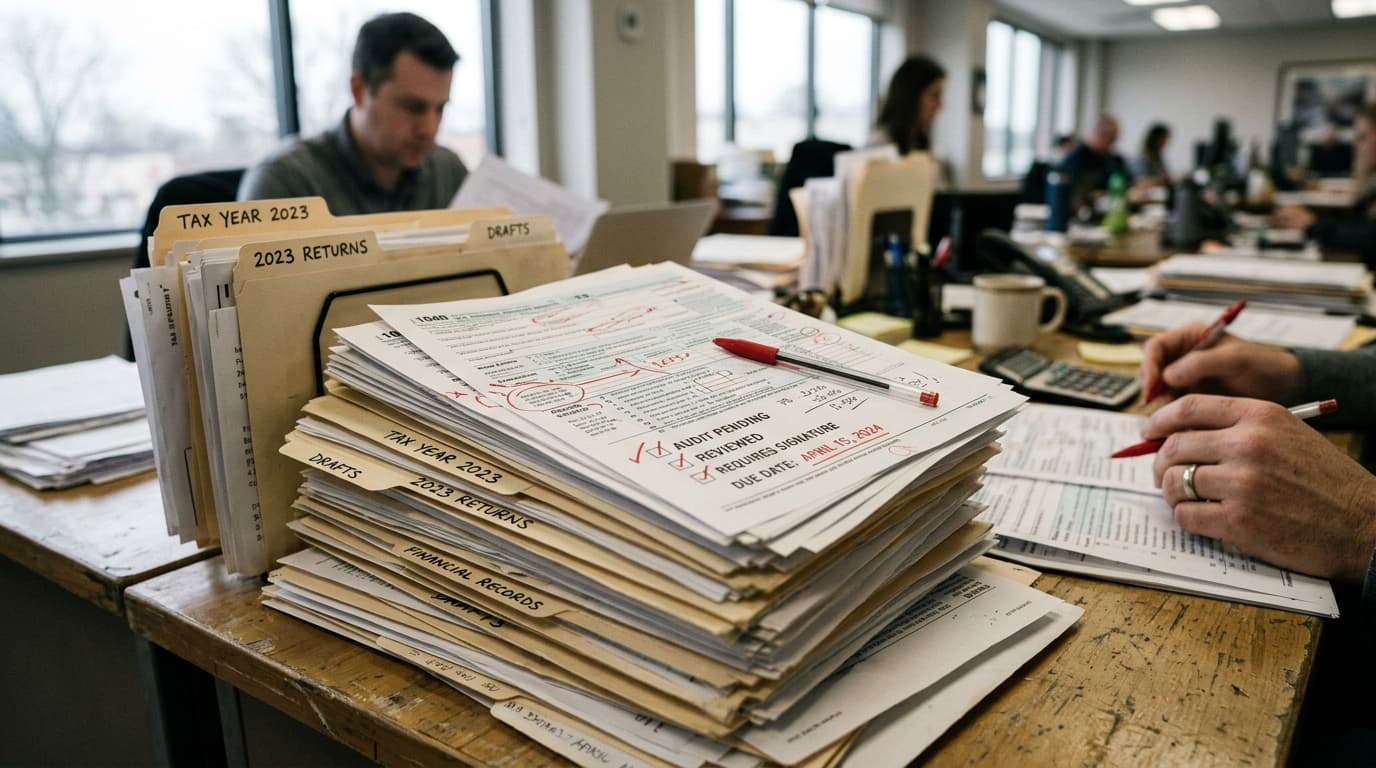
A solid accounting firm review process is a structured sequence of checks - self-review, peer review, and manager or partner sign-off - built into every engagement before it reaches the client. Firms that treat review as one rushed final look, instead of a repeatable process, catch fewer errors, and the client or the IRS ends up finding the mistake first.
TL;DR
- Build review in layers sized to your firm - self-review, a peer check, and manager or partner sign-off - instead of relying on one final look before the deliverable goes out.
- Standardize checklists by service line (tax, bookkeeping/close, payroll, advisory) so reviewers know exactly what to check instead of skimming for anything obvious.
- Let practice management and AI tools flag mismatches and unusual variances automatically, so your reviewers spend their time on judgment calls instead of re-typing numbers to check them.
What Is an Accounting Firm Review Process?
An accounting firm review process is the set of steps - checklists, second-pair-of-eyes checks, and sign-offs - that a firm runs on every return, close, or report before it goes to the client. The goal is simple: catch the error while it is still cheap to fix, not after the client has already noticed the wrong bank balance or filed a return with a missing schedule.
Most small firms already have some version of this. A partner skims the return before e-signature goes out, or a senior bookkeeper eyeballs the reconciliation before month-end close. The problem is that this kind of review is informal, undocumented, and dependent on whoever happens to have five minutes that day. When staff get busy, during the first two weeks of April, for example, or when someone is out sick, that informal check is usually the first thing to disappear.
A real review process replaces that guesswork with a repeatable sequence: who reviews what, in what order, against what checklist, and what happens when they find something wrong. It does not need to be elaborate. It needs to happen every time, for every engagement above a certain risk threshold.
Why Do Errors Slip Past Review at Most Small Firms?
Errors slip past review most often because the reviewer is checking for the wrong thing, checking too late, or checking alone. In a 1-30 person firm, the person reviewing a return or a close is frequently the same senior staffer who is also managing five other deadlines that week, which turns review into a scan for anything that looks obviously wrong rather than a systematic check against source documents.
Regulators studying larger audit firms have flagged the same pattern at scale. The Public Company Accounting Oversight Board has been pushing firms to treat documentation and review as something that happens in real time, not clean-up work after the engagement is done, a shift reinforced by a 2024 rule change that cut the window to finalize audit documentation from 45 days after the report date down to 14 days, according to Johnson Global Advisory. Small firms do not file with the PCAOB, but the underlying lesson applies everywhere: review that happens after the fact, under time pressure, is where errors survive.
Three specific habits let errors through most often:
- The preparer reviews their own work. You cannot reliably catch your own blind spots - if you missed a 1099 the first time, you will likely miss it again on your second pass.
- The checklist is generic. A one-size-fits-all checklist gets skimmed. A checklist built for the specific return type or close catches specific, predictable mistakes.
- There is no record of what was actually checked. Without a sign-off trail, nobody can tell whether review happened or was skipped under deadline pressure, which also makes it hard to spot the same error recurring across engagements.
What Are the Core Stages of a Review Process That Actually Catches Errors?
A review process that catches errors before the client does typically runs through three or four distinct stages: self-review against a checklist, a second-person technical check, and a final sign-off before delivery, with a fourth engagement-quality step added for higher-risk work. Each stage should look for something different, not repeat the same scan.
- Self-review (preparer): The person who did the work checks it against a written checklist immediately after finishing, not the next day, when details are fuzzy. This catches typos, missing forms, and obvious omissions.
- Peer or technical review (second staffer): Someone who did not prepare the work checks the numbers against source documents - bank statements, W-2s, prior-year returns - and confirms the logic, not just the arithmetic.
- Manager or partner sign-off: A senior reviewer confirms the deliverable matches the engagement scope, the client's specific situation, and firm standards, then formally signs off before it is released.
- Engagement quality review (high-risk work only): For complex returns, new clients, or anything with unusual dollar amounts, a reviewer who was not involved in the engagement takes one more look before delivery.
You do not need all four stages on every engagement. A simple 1040 for a long-time client might only need self-review plus one peer check. A first-year business return with a cost segregation study or an entity change deserves the full chain.
How Many Review Layers Does a 1-30 Person Firm Actually Need?
Firm size should set the ceiling on how many review layers you run, not the floor. Even a two-person firm needs at least one independent check on every deliverable, and a 25-person firm should not run every engagement through four layers of review. Scale the number of checks to the risk of the engagement and the size of your team, not to a rigid policy applied the same way everywhere.
| Firm size | Baseline review layers | When to add a layer |
|---|---|---|
| 1-5 staff (often just the owner + admin) | Self-review plus one outside check: a part-time contractor CPA, a peer-review swap with another sole practitioner, or a documented second pass by the owner the next day | New client, first-year entity return, or anything with a refund or liability that looks off from prior years |
| 6-15 staff | Self-review + peer review + manager sign-off | Complex tax positions, multi-state returns, or clients flagged as high-risk in your practice management tool |
| 16-30 staff | Full four-stage chain, with a rotating engagement quality reviewer pulled from a different team | Any engagement above a firm-set dollar or complexity threshold, plus a sample of “routine” work each quarter to confirm the checklist itself is still working |
If you are not sure where your firm currently stands on staffing, workflow, or review discipline, a structured look at your accounting firm operations audit questions is a fast way to see the gaps before busy season exposes them.
What Should a Review Checklist Include?
An effective review checklist is specific to the type of work being checked - a tax return checklist, a month-end close checklist, and an advisory report checklist should look nothing alike, because each one is designed to catch the errors common to that kind of deliverable. A generic “did you check everything” list gets rubber-stamped; a specific one gets used.
| Engagement type | What the reviewer checks | Common error it catches | Who should run it |
|---|---|---|---|
| Individual/business tax return | Prior-year comparison, all source documents accounted for, carryovers, e-file acceptance | Missing 1099 or K-1, dropped carryforward loss, wrong filing status | Second preparer or reviewing manager, never the original preparer alone |
| Bookkeeping / month-end close | Bank and credit card reconciliation, uncategorized transactions, prior-month accrual reversals | Duplicate entries, miscoded expenses, unreconciled balance sheet accounts | Senior bookkeeper or the person who did not do the original data entry |
| Payroll | Hours vs. approved timesheets, tax deposit dates, new-hire and termination data | Wrong pay rate, missed deposit deadline, benefits miscalculation | Payroll lead, cross-checked against the client's approval |
| Advisory / CFO reporting | Internal consistency of figures across the report, assumptions stated clearly, prior-period comparison | A number that does not tie to the underlying financials, an unexplained swing in a KPI | Manager or partner who understands the client's business, not just the numbers |
Keep each checklist to one page. A checklist that requires scrolling gets skipped. If your firm is still deciding which platform should hold these checklists and track sign-offs, this comparison of practice management software for accountants is a useful next stop - tools like Karbon and TaxDome both let you attach a checklist template directly to the workflow step so review cannot be skipped without someone noticing.
How Do You Build Accountability Into Review Without Slowing Down Turnaround?
Accountability in a review process comes from three things: a named reviewer for every engagement, a visible status in your workflow tool showing whether review happened, and a short record of what the reviewer actually checked. None of that requires adding days to your turnaround if you build it into the workflow instead of bolting it on at the end.
Two habits keep review fast instead of turning it into a bottleneck. First, review in parallel where you can - a bookkeeper can start next month's close while last month's file sits in the manager's review queue, instead of the whole team waiting on one person. Second, track review turnaround as its own metric, separate from total engagement time, so you can see whether review itself - not preparation - is where files are getting stuck.
Client-facing tools matter here too. If a return or report goes out for e-signature before review sign-off is logged, you have no accountability trail at all. Portals like Liscio and Canopy can gate delivery behind an internal approval step, so a deliverable literally cannot reach the client until someone with review authority has signed off inside the system.
If your firm is already stretched thin on staffing and worried that adding review steps means adding headcount, that concern is common right now. The broader staffing squeeze across the profession, and how firms are fixing operations around it instead of just hiring more people, is covered in this look at the accountant shortage and the operations fix.
How Can AI Strengthen Your Firm's Review Process?
AI assistants help a review process by doing the first, mechanical pass - matching documents, flagging variances, and summarizing what changed - so your human reviewers spend their limited time on judgment calls instead of data-matching. That is a shift in where review hours go, not a replacement for the reviewer's sign-off.
- Tax return checklists: An AI assistant can compare a draft return against last year's source documents and this year's uploaded W-2s, 1099s, and K-1s, flagging anything missing or newly inconsistent before a human opens the file - often turning a 20-minute document hunt into a two-minute check and catching gaps a rushed reviewer would miss.
- Month-end close review: Connected to QuickBooks Online or Xero, an AI assistant can reconcile entries across the period and flag duplicate transactions or accounts that moved outside a normal range, handing the reviewer a short exceptions list instead of a full ledger to re-check line by line.
- Checklist consistency across staff: Instead of every reviewer interpreting a one-page checklist differently, an AI assistant can pull the specific checklist for that engagement type and confirm each item was actually addressed in the file - catching skipped steps before sign-off rather than after delivery, which means fewer rework loops and fewer callbacks from the client.
- Advisory report review: Before a CFO report reaches a manager, an AI assistant can check that every number in the narrative ties back to the underlying financial data, catching the kind of copy-paste mismatch that costs a reviewer another read-through and the client another email asking why the numbers don't match.
Which of these actually saves your firm hours depends on your current tools, your review layers, and where your specific bottlenecks sit today - and that is exactly what a free CloseRadar operations audit is built to map out, with no sales call and no credit card required.